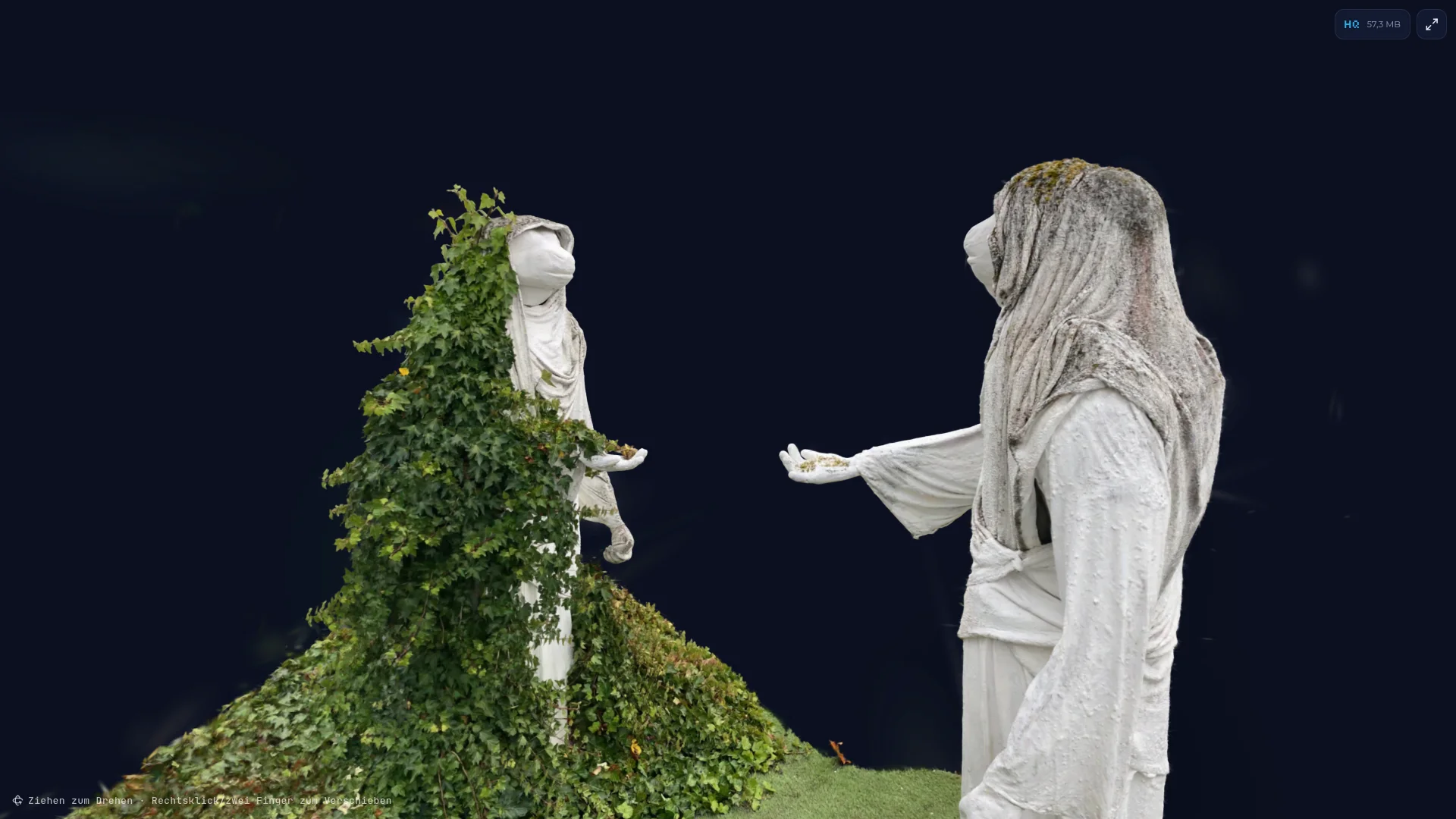
Imagine walking once around an old stone wall, a sculpture or your favourite car with your smartphone – and a few minutes later being able to rotate exactly that scene photorealistically and in real time in your browser, as if you were still there. That is what Gaussian splatting makes possible.
Since its publication in 2023, the technique has grown from a research topic into one of the most exciting tools in the 3D world – and it keeps gaining importance: drone software creates splats straight from flight footage, AI models build entire worlds from them, and Unreal Engine 5.9 now includes Gaussian splatting as an experimental feature.
What is Gaussian splatting?
Classic 3D models are made of triangles (meshes) with textures on top. Gaussian splatting does away with surfaces. Instead, a scene is built from hundreds of thousands to millions of small, soft, semi-transparent ellipsoids – so-called 3D Gaussians. Each one stores only a few properties:
- Position in space
- Shape and orientation – scale along three axes plus a rotation. A splat can be perfectly round, flat as a coin or long as a needle.
- Opacity – from almost invisible to fully opaque
- Colour – usually stored as spherical harmonics, so the colour can change with the viewing angle (highlights, reflections)
When rendering, all ellipsoids are “splatted” onto the image, sorted by depth and blended on top of each other. Because this maps very well to today’s graphics cards, even large scenes run smoothly – in the browser and on smartphones too.
Put simply: instead of modelling a surface, the light of the scene is rebuilt from many small, coloured wisps of fog.
How does the data get into the computer?
It always starts with a capture of the real world – and there are many ways to do that today:
- Smartphone apps: Apps such as Scaniverse, Polycam, KIRI Engine or Luma guide you through the capture step by step and compute the splat on the device or in the cloud – the easiest way to get started.
- Photos: Lots of strongly overlapping images taken with a mirrorless or DSLR camera all around the object. This gives the sharpest detail.
- Video: Film one slow loop around the object – the software extracts the frames automatically. Very fast, but motion blur costs detail.
- 360° cameras: Ideal for interiors, corridors and tight spots, because every shot captures everything around it.
- LiDAR: Laser scanners measure distances directly – from the LiDAR sensor in the iPhone and iPad Pro to mobile scanners that combine lasers and cameras. The measured geometry helps especially with large spaces and low-texture surfaces such as white walls.
- 3D drones: For buildings, castles, excavations or entire landscapes. The drone flies automatic paths, and software such as DJI Terra can now create Gaussian splats directly from them.
The captures are then turned into a splat in four steps:
- Reconstruct the cameras: A structure-from-motion method (e.g. COLMAP) works out where each camera was and creates a rough point cloud. LiDAR data can support this step.
- Training: Each point becomes a Gaussian splat. An optimiser repeatedly compares the rendered image with the real photos and adjusts position, shape, colour and opacity. Where detail is missing, splats are split; redundant ones are removed.
- Clean-up: Remove “floaters” (stray particles) and crop the scene.
- Export: Save to a compact format – for the web, ideally heavily compressed.
There are plenty of tools for this: desktop software such as Postshot, open-source projects such as Nerfstudio/gsplat or Brush, and for editing, for example, the browser-based SuperSplat editor.
AI models for reconstruction
Traditionally, every splat is “trained” individually per scene – which takes minutes to hours. New AI models turn this around: they have learned from huge numbers of scenes what the world looks like and predict the splats in a single pass – often in seconds and from just a few photos or a short video.
Generative models go even further: World Labs’ Marble, for example, creates entire explorable 3D worlds as Gaussian splats – from a text prompt, an image or a video. AI also helps with clean-up: removing stray particles, isolating objects automatically or filling in areas that weren’t visible during capture.
My sculptures
As a hands-on example, I scanned my sculptures and processed them into Gaussian splats.
Use the HQ/LQ switch in the top right to change the quality setting. Feel free to zoom right in (mouse wheel after a click, or two fingers on your phone) – the seemingly smooth surface breaks down into individual, softly fading ellipses.
 Drag to orbit · right-click/two fingers to pan
The 3D content could not be loaded (WebGL2 required).
The next step: triangle splatting
A very recent development is triangle splatting (Held et al., 3DV 2026). Instead of soft Gaussian ellipsoids it uses triangles – exactly the primitive that graphics cards and game engines have been optimised for over decades. Each triangle has three vertices, a colour, an opacity and a parameter that controls how soft or sharp its edges are.
According to the authors, this gives sharper detail and faster training. Above all, the result can be displayed with a completely standard mesh renderer – in their garden scene at over 2,400 frames per second at 1280×720 pixels. That brings photorealistic capture and classic real-time graphics a big step closer together.
Strengths and limits
Strengths: photorealism out of the box, fine details such as hair, grass or foliage, reflections and translucency, very fast rendering and comparatively simple capture.
Limits: there is no clean surface – collision, physics, relighting or classic modelling are difficult. Outside the captured area things get blurry quickly, and uncompressed files can be several hundred megabytes in size.
Where it is used
- Archaeology & heritage preservation: document excavations, walls, castles and finds quickly, contact-free and photorealistically – and view them later from anywhere.
- Art, museums & exhibitions: bring sculptures and exhibits online, virtual exhibitions and archives.
- Architecture, construction & surveying: as-built documentation, construction progress and drone flights over sites and terrain.
- Industry & digital twins: plants, halls and production lines for planning, training and maintenance.
- Real estate & tourism: virtual tours of flats, hotels and landmarks.
- Film, VFX & virtual production: real locations as 3D sets, for example on LED walls.
- Games & real-time applications: photorealistic environments in Unreal Engine, Unity or directly on the web.
- E-commerce & product presentation: show products all around in the browser.
- Robotics & simulation: realistic training environments for robots and autonomous systems.
File formats
- .ply – the original research format, complete but large
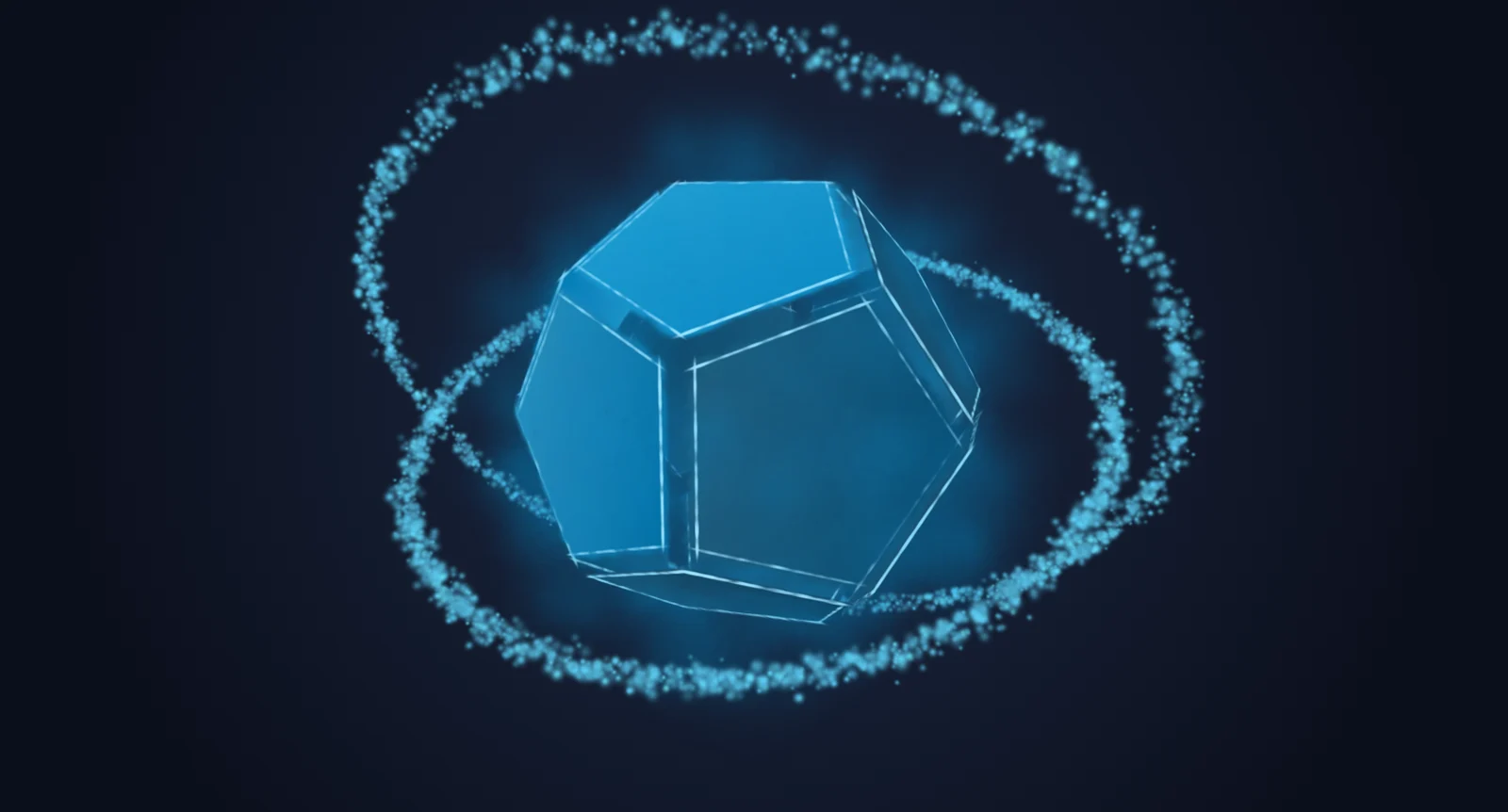
- .spz – heavily compressed, ideal for the web – used for both versions of the dodecahedron
- .splat – compact (32 bytes per splat), without view-dependent colour
- .ksplat and .sog – further compressed web formats
The 3D viewer on this website is based on three.js and the open-source library Spark and can display all of these formats. The splat part is only loaded when a splat is actually shown – so regular pages stay lean.
Tips for your own captures
- Even, diffuse light – an overcast day is perfect.
- Move slowly and steadily, avoid motion blur.
- Walk several loops at different heights, with lots of overlap.
- Nothing may move – no people, no leaves in the wind.
- Highly reflective or transparent objects are tricky, but doable.
- For the web, export two versions: a detailed one for desktop and a reduced one for smartphones.
I’m curious to see where the technology goes – especially the combination of Gaussian and triangle splatting, AI and real-time engines will change the way we capture places and objects. Questions or splats of your own? Just drop me a line!